
Tuning In Your Hands
Proven Power
Replaces the conservative factory calibration with our proven, dyno-developed tunes.
Load It Yourself
Flash your vehicle in minutes at home — no workshop visit, no downtime.
Switchable Maps
Swap between calibrations and return to stock any time you like.
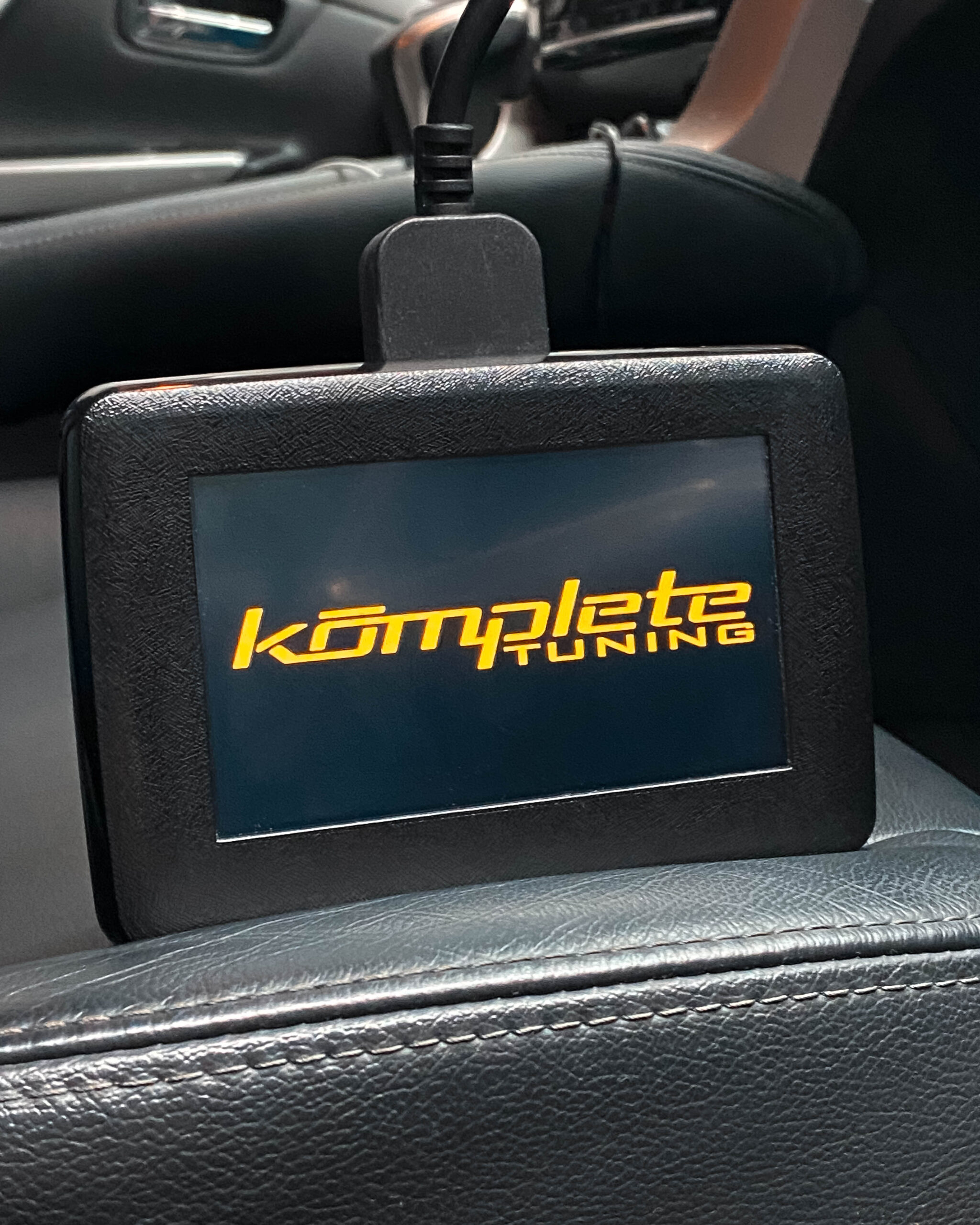
The Komplete Accessport is the easiest and most flexible ECU upgrade solution for your vehicle.
Unlock potential power from your vehicle by replacing the restrictive & conservative factory calibration with a selection of our proven calibrations
With the ease of use with our Komplete Accessport you'll be able to remap your vehicle from anywhere, anytime
We understand everyone uses their vehicle's differently and so our Accessport will come loaded with different tunes to choose from for different driving styles
3 Maps to choose from
The Komplete Accessport will come with 3 pre-defined maps to choose from
Performance map: The performance map is suited for daily drivers/unloaded vehicles. This map will be the most power you can safely achieve from your vehicle. Similar to how we tune vehicles on the dyno, with years of experience and proven tunes. You can ensure that this map will help you achieve a substantial increase in power and fuel economy to suit without causing detrimental damage to your pride and joy
Towing map: With extra headroom, for towing heavy caravans. This map takes into account the extra heat and stress your engine will be under when towing around different terrain
4WD map: For people who regularly go off-roading and prefer a doughy throttle to prevent a surge in power resulting in wheel spin
Stock maps: For any reason should you wish to, your stock file will be stored in your Komplete Accessport for your convenience
How to use
With a windows operating system, install the Komplete Accessport software here
Connect your windows device to the Komplete Accessport
Launch the program and follow allow it to update
Once updated you will be able to see what options the Accessport has on the left
You may now unplug your Komplete Accessport
Locate your vehicles OBD plug and connect your Komplete Accessport
Turn the car to ignition, where the engine isn't running but all the lights are on
Select tuning on your Komplete Accessport and select your vehicle
The Accessport will now preform a read, follow through the key on/off instructions as they appear
When read, turn the key off and on. The Komplete Accessport will then notify you are able to unplug
Connect your Komplete Accessport to your windows device
On the left side, select Download Date. Once done, email your file to Tuner@kompletetuning.com.au or click here
Within 24-48 hours a selection of available maps will be sent back to you
Upload these maps to your Komplete Accessport
Setup is now complete
Uploading the tune to your vehicle
With your maps uploaded to the Komplete Accessport. Connect the Accessport to your vehicles OBD port
Turn the key position to ignition where all the lights appear on the dash
Select Tuning on your Komplete Accessport
You may now select an available map to upload
Follow the Komplete Accessport prompts
Start the vehicle and enjoy the extra power!


Reviews
There are no reviews yet.